
Platform clients
The Clinic, on the device in hand.
A store-ready Capacitor 8 mobile shell with committed native iOS and Android projects, joined by an installable PWA and a Tauri desktop shell.
Native foundation
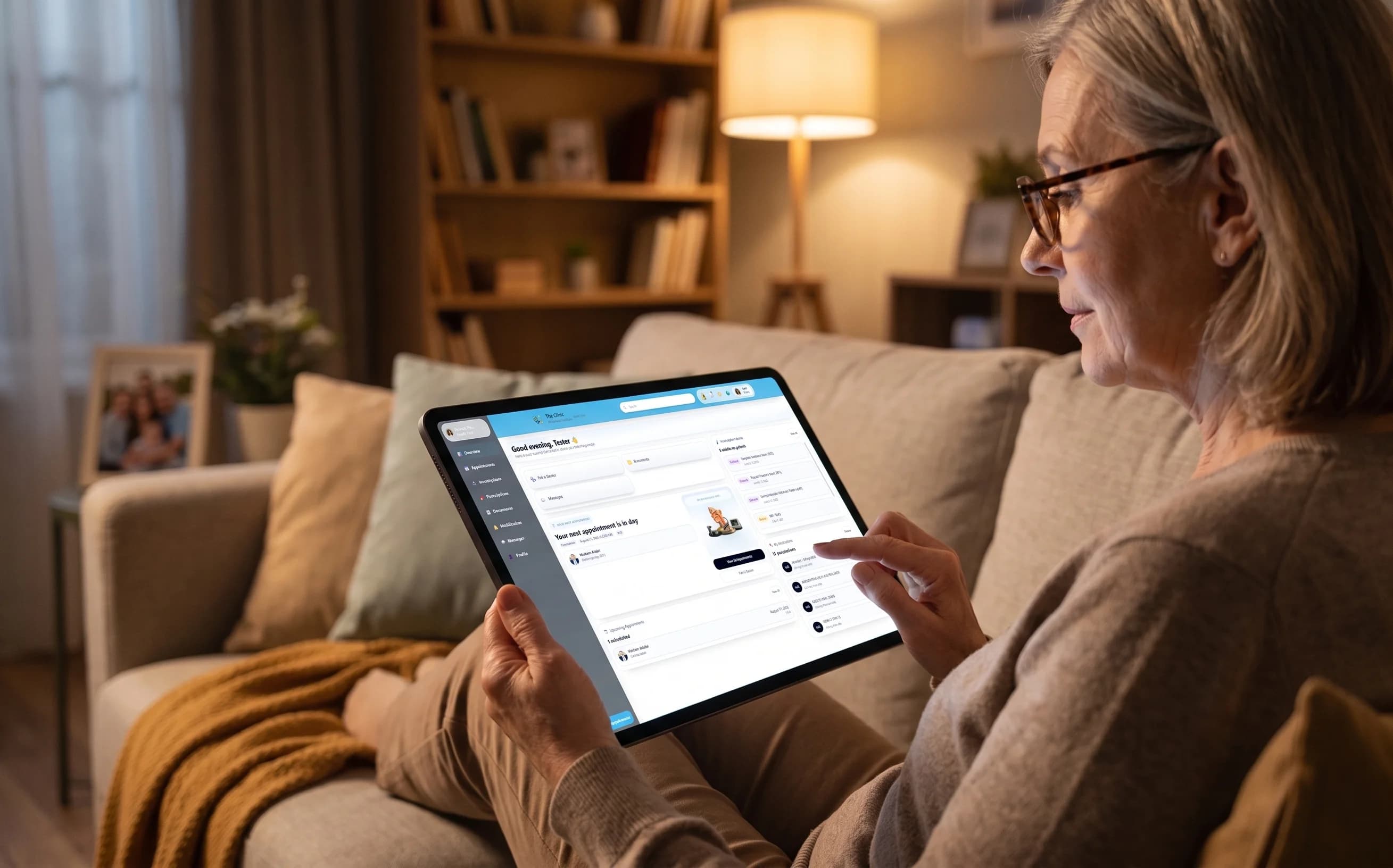
The native projects are already committed.
The Capacitor 8 shell is store-ready, with the iOS and Android projects in the repository under the app id net.theclinic.app. Store readiness refers to the committed native build; distribution is a separate launch step.
- Committed native projects for iOS and Android
- Safe-area handling for native screens
- Back-button behavior across tabs
Push and navigation
Notifications can lead back to the right place.
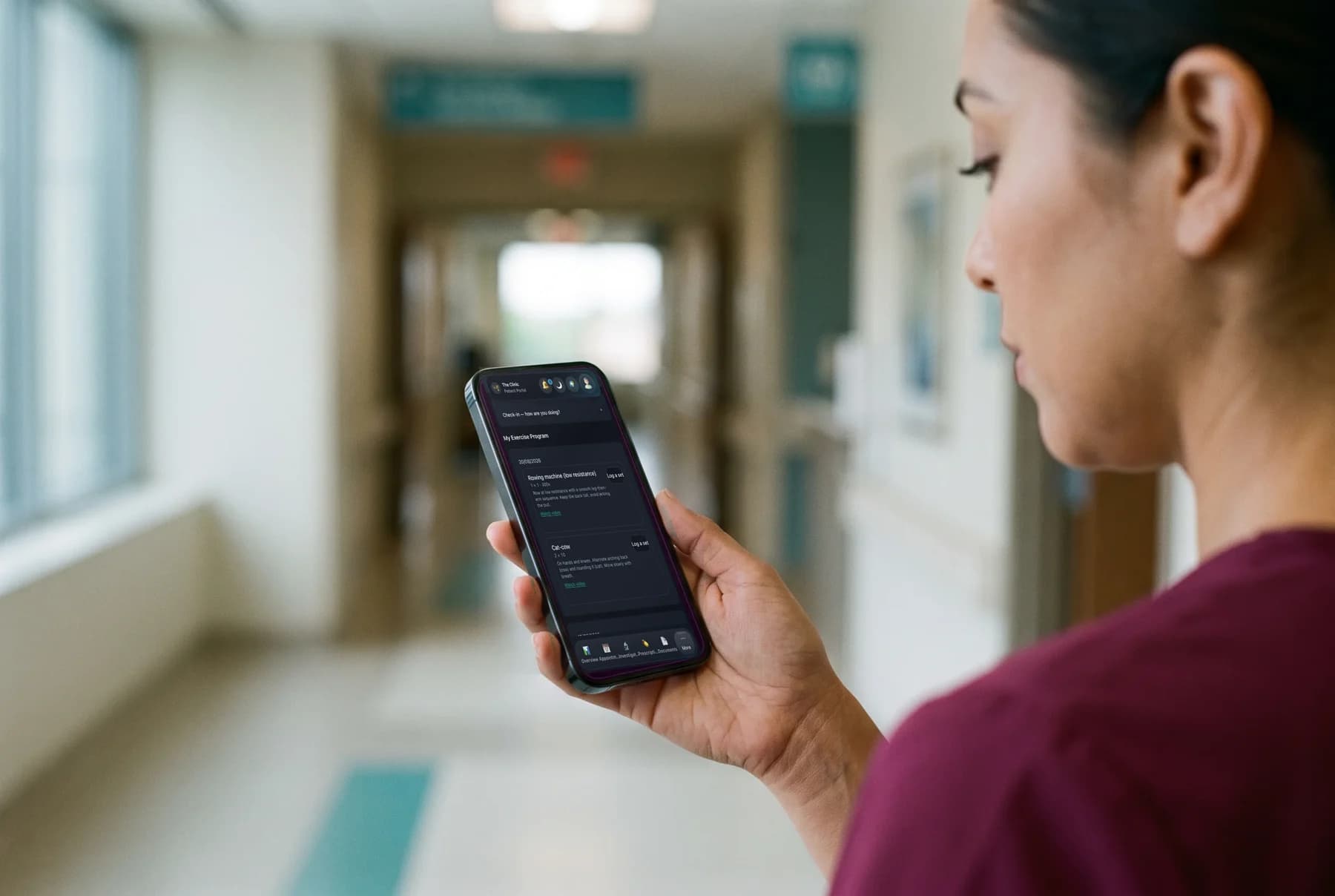
The native bridge handles push registration, deep links, and shell detection. Push delivery uses FCM HTTP v1, with dead-token pruning to stop retrying devices that can no longer receive messages.
- FCM HTTP v1 push delivery
- Dead-token pruning for invalid registrations
- Deep links through the native bridge
Access on the device
Biometric lock is a choice, not a trap.
The app-lock is opt-in and triggers after five minutes of inactivity. It fails open when biometrics are unavailable, so an unavailable biometric check does not lock the user out.
- Opt-in biometric app-lock
- Five-minute inactivity trigger
- Self-service patient account deletion
Beyond the phone
Installable clients for web and desktop.
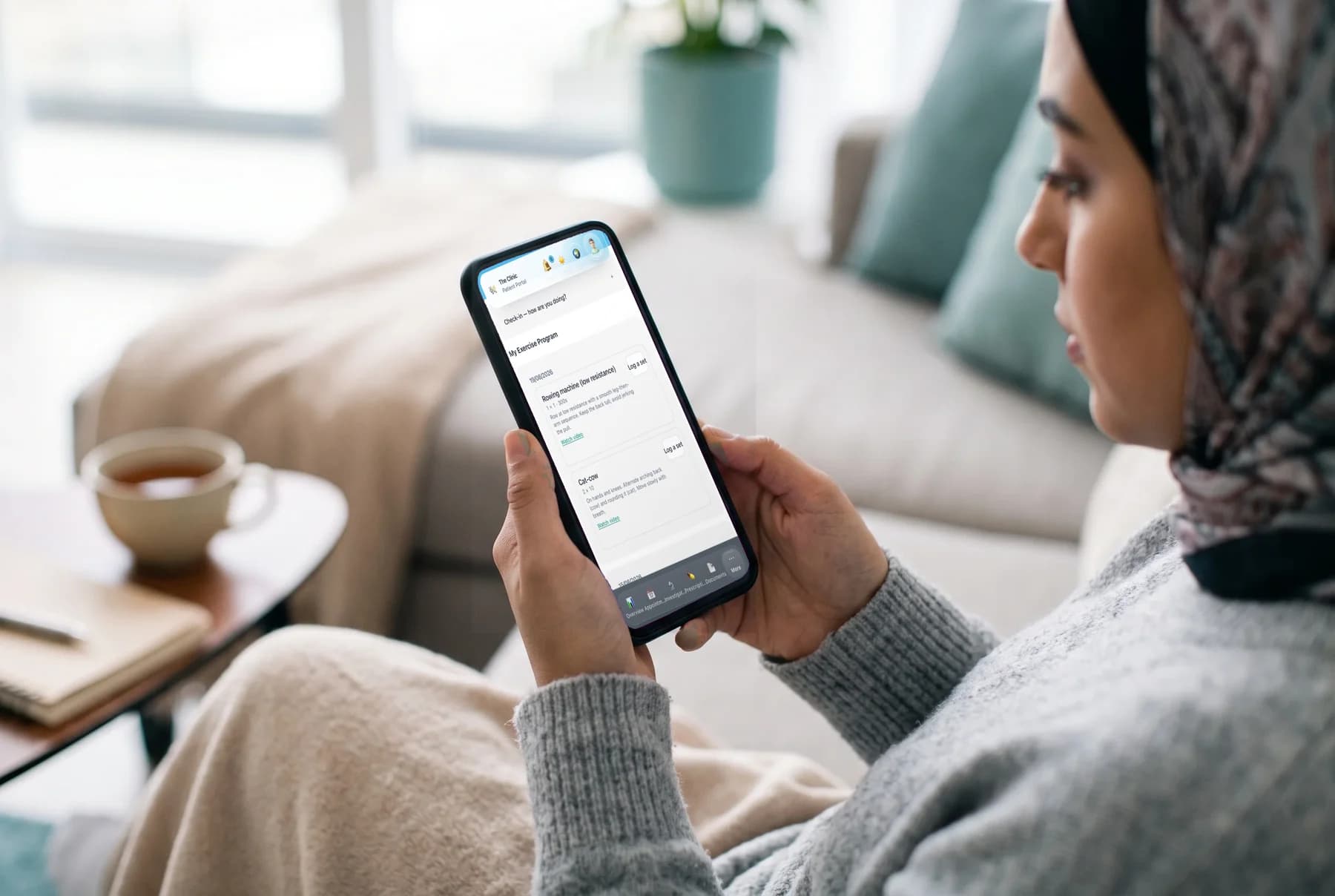
The Tauri desktop shell reads an auto-update manifest served by The Clinic. The installable PWA uses a custom service worker to serve fresh HTML after a deploy and offer a reload when a new version lands.
- Tauri desktop shell with an auto-update manifest
- Installable progressive web app
- Fresh HTML after each deploy
Client foundations
- Capacitor 8
- Store-ready mobile shell
- iOS + Android
- Committed native projects
- 5 min
- Optional lock inactivity trigger
- FCM v1
- Push delivery protocol
Plan the rollout
Choose the client path that fits your clinic.