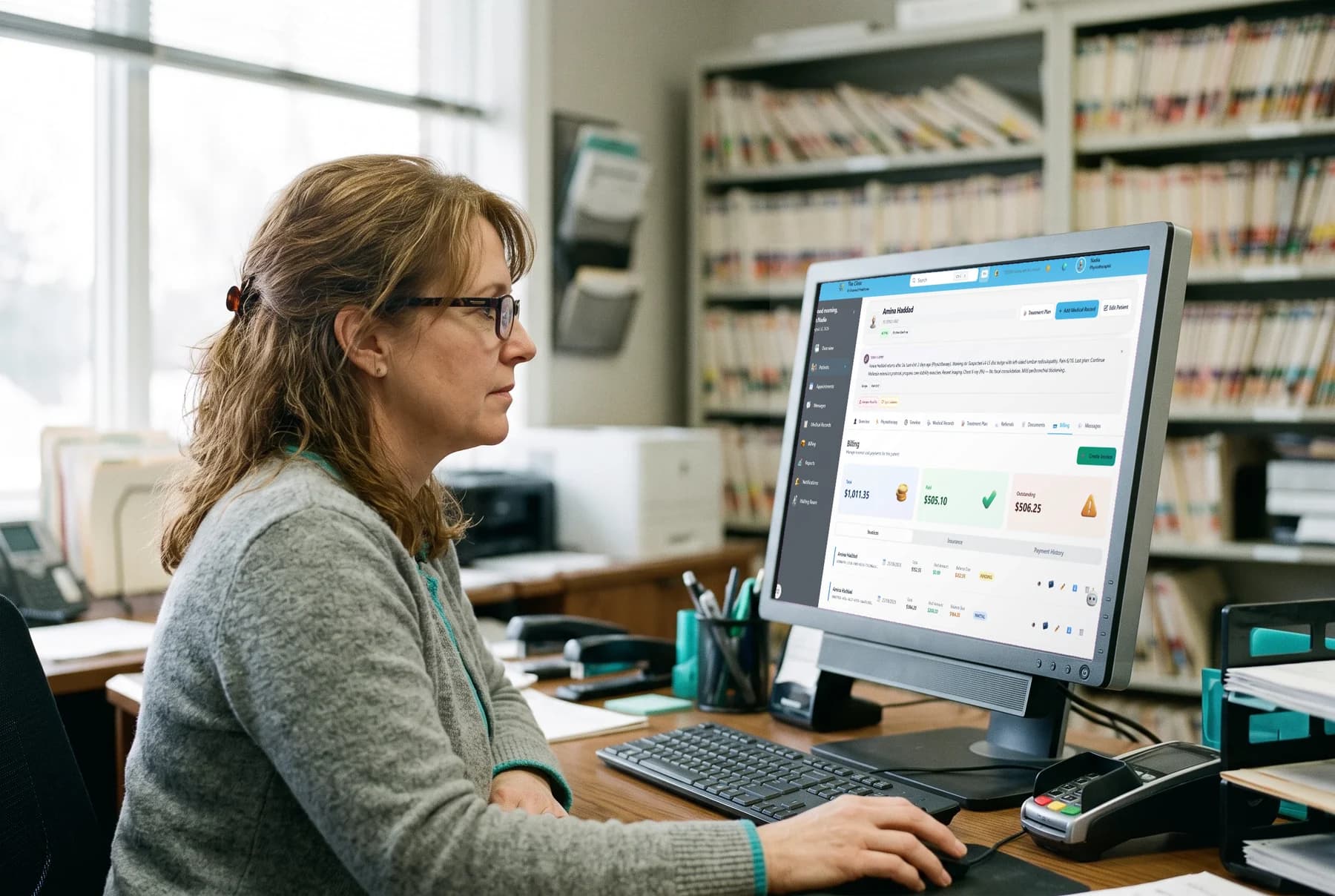
Reporting & analytics
Ask clearer questions of clinic operations.
Configure dashboard widgets, filter custom reports by date, and export the results in the format your team needs.
Reporting controls
- Widgets
- Configurable dashboards
- Date range
- Custom report filtering
- P&L
- Finance reporting
- CSV · Excel · PDF
- Export options
Dashboards
Arrange the operational view around the work.
Dashboard widgets can be configured around patient, appointment, and revenue statistics, with layouts for administrative, finance, clinical, and physiotherapy work.
- Configure the statistics shown as dashboard widgets.
- Review patient, appointment, and revenue information.
- Use dashboard layouts suited to administrative, finance, clinical, and physiotherapy work.
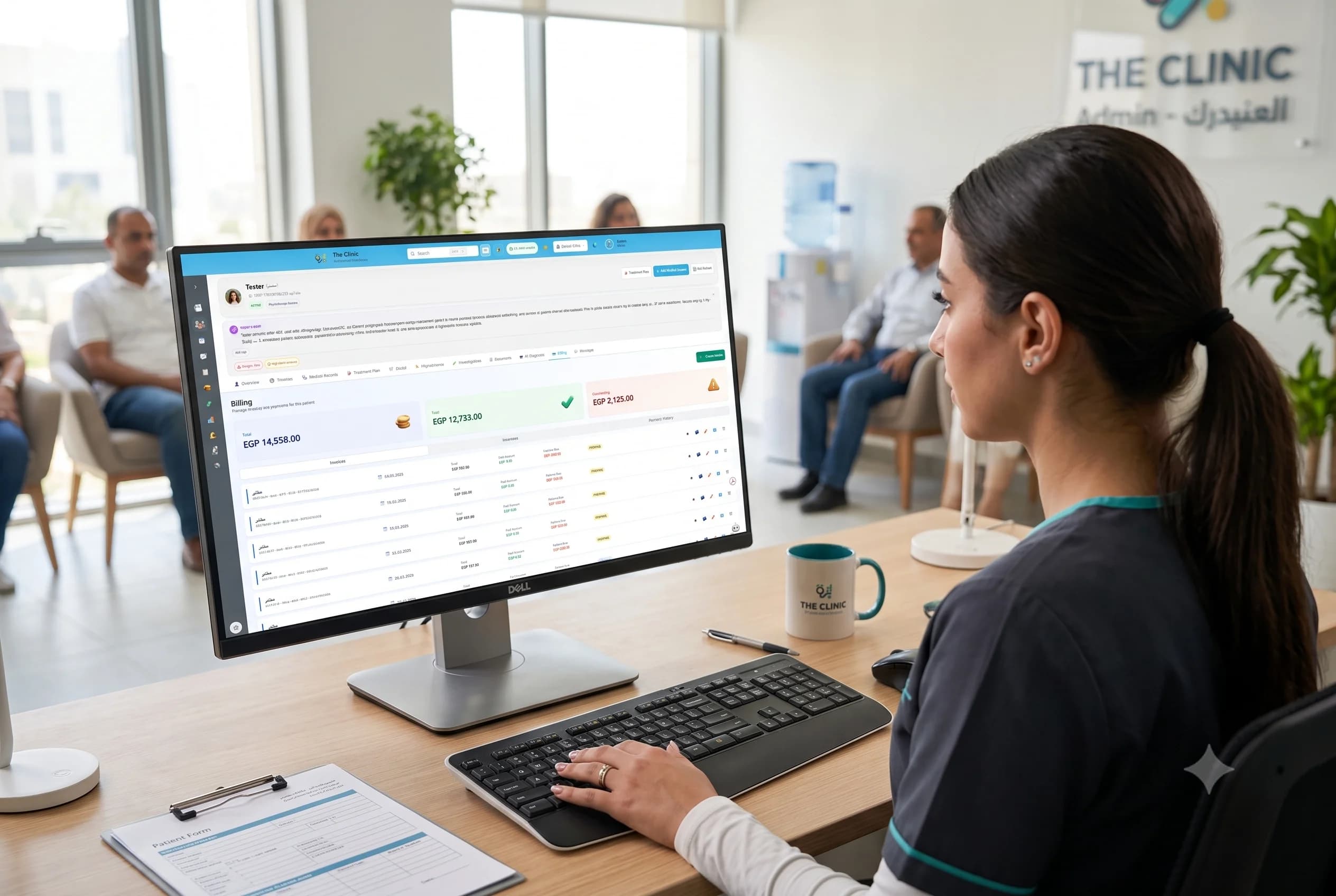
Custom reports
Choose the question, range, and file.
Build a custom report for the question at hand, set its date range, and export the result in a supported file format.
- Filter report content by date.
- Create custom reports for the question at hand.
- Export results as CSV, Excel, or PDF.

Reporting across roles
Keep financial, clinical, and usage questions in view.
Reporting covers revenue, expenses, and profit and loss alongside dental KPIs, AI usage summaries, and productivity goals.
- Review revenue, expense, and P&L reports.
- Track dental KPIs in the reporting workspace.
- Summarize AI usage and follow productivity goals.

Reporting, in context
Bring the questions you need to answer.
See how configurable dashboards, custom reports, finance views, dental KPIs, AI usage summaries, and productivity goals fit your clinic's workflow.